
This guide walks you through signing into the AppSecEngineer Platform for employee training. From choosing the sign-in method to accessing the learning portal, these steps will streamline your onboarding experience.
-
Open your browser and go to https://learning.appsecengineer.com
-
Click Email - OR - Sign in with Magic Link - OR - Sign in with Google Sign in with Organization login
Choose to sign in with Email, Magic Link, Google, or Organization login. Image Featuring Login Page of AppSecEngineer Learning Dashboard
 -
Click "Email"
Select the Email option to proceed with signing in.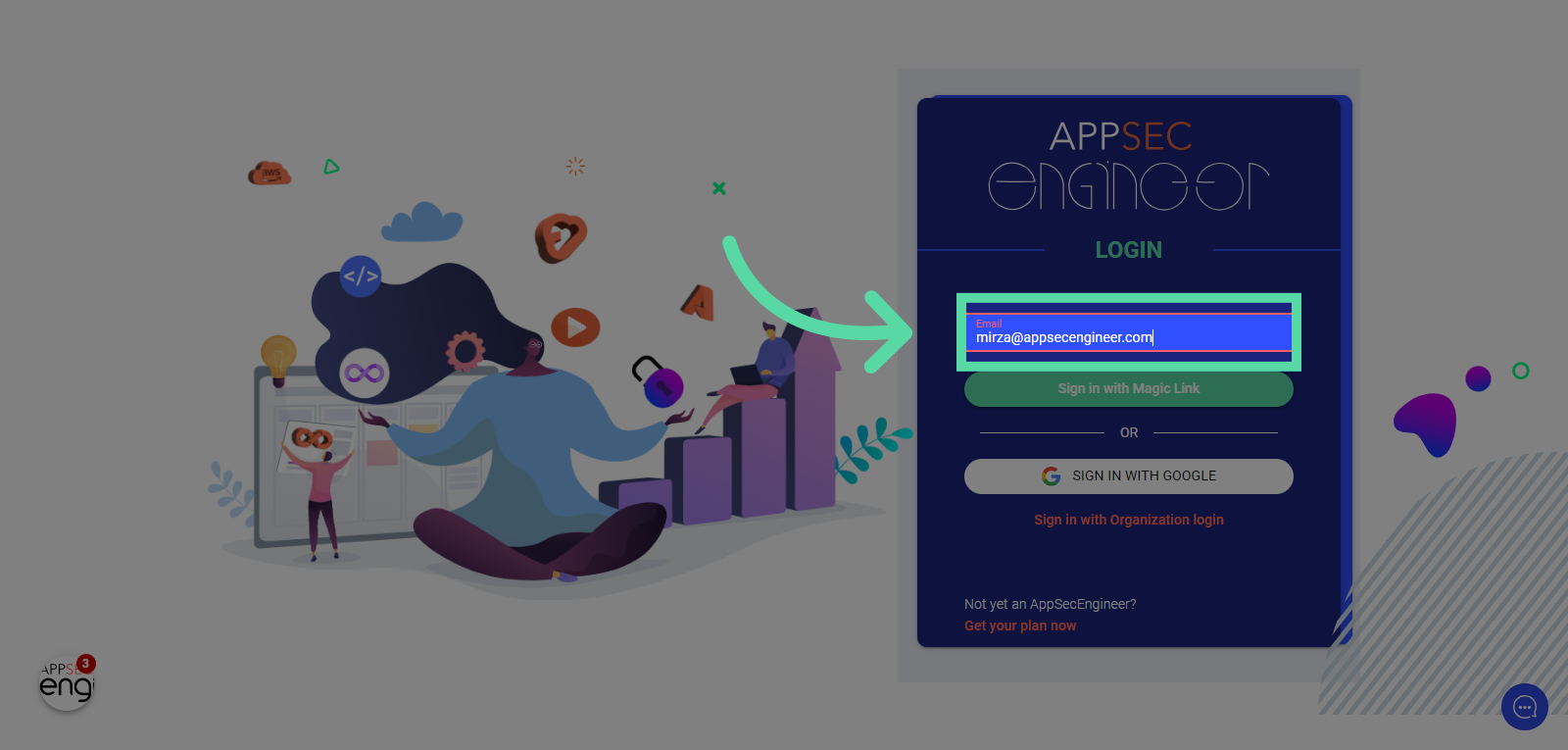 Image Featuring Select the Email option to proceed with signing in
 -
Click "Sign in with Magic Link"
Opt for the Magic Link sign-in method.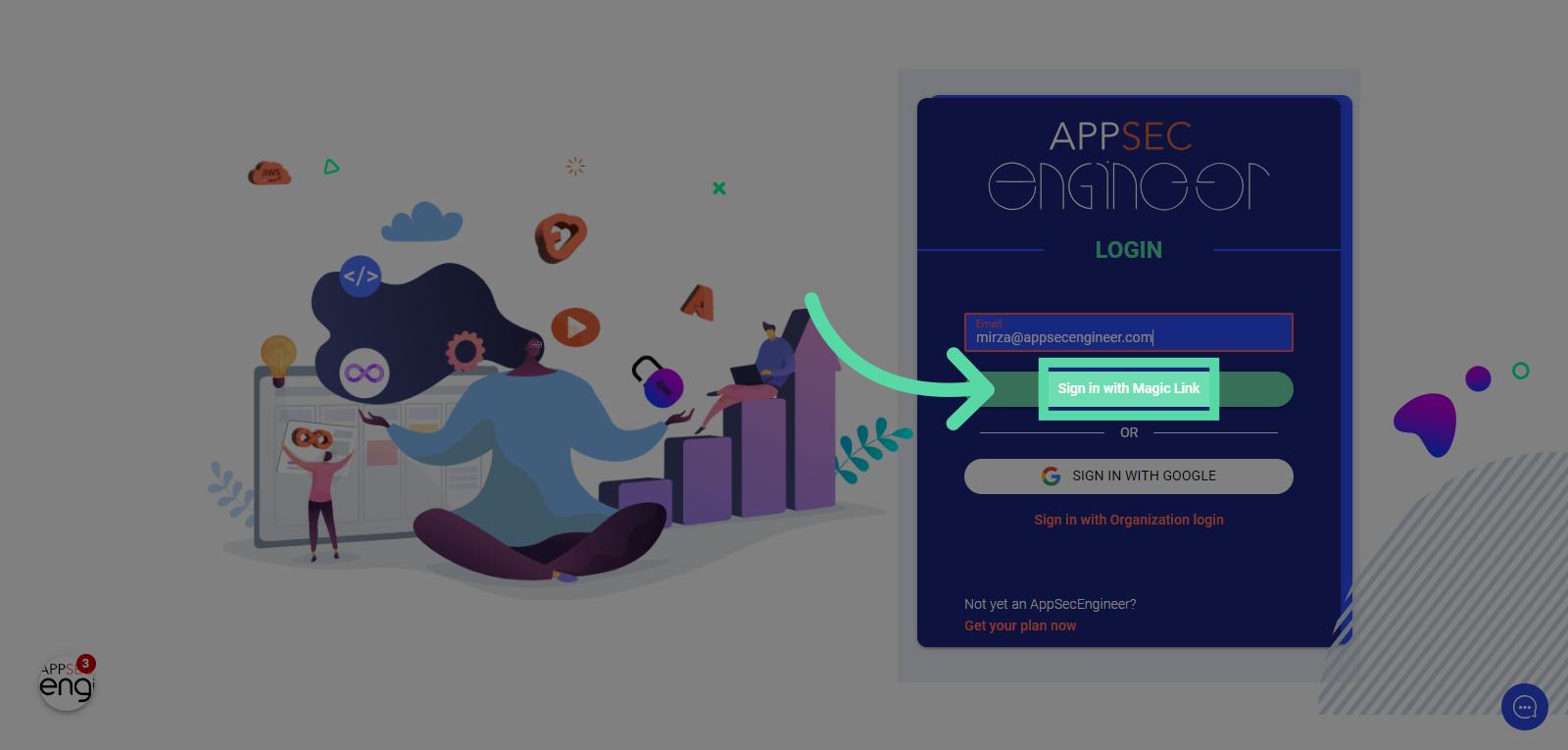 Image featuring Opt for the magic link sign-in method of AppSecEngineer's Learning Dashboard
 -
Click here
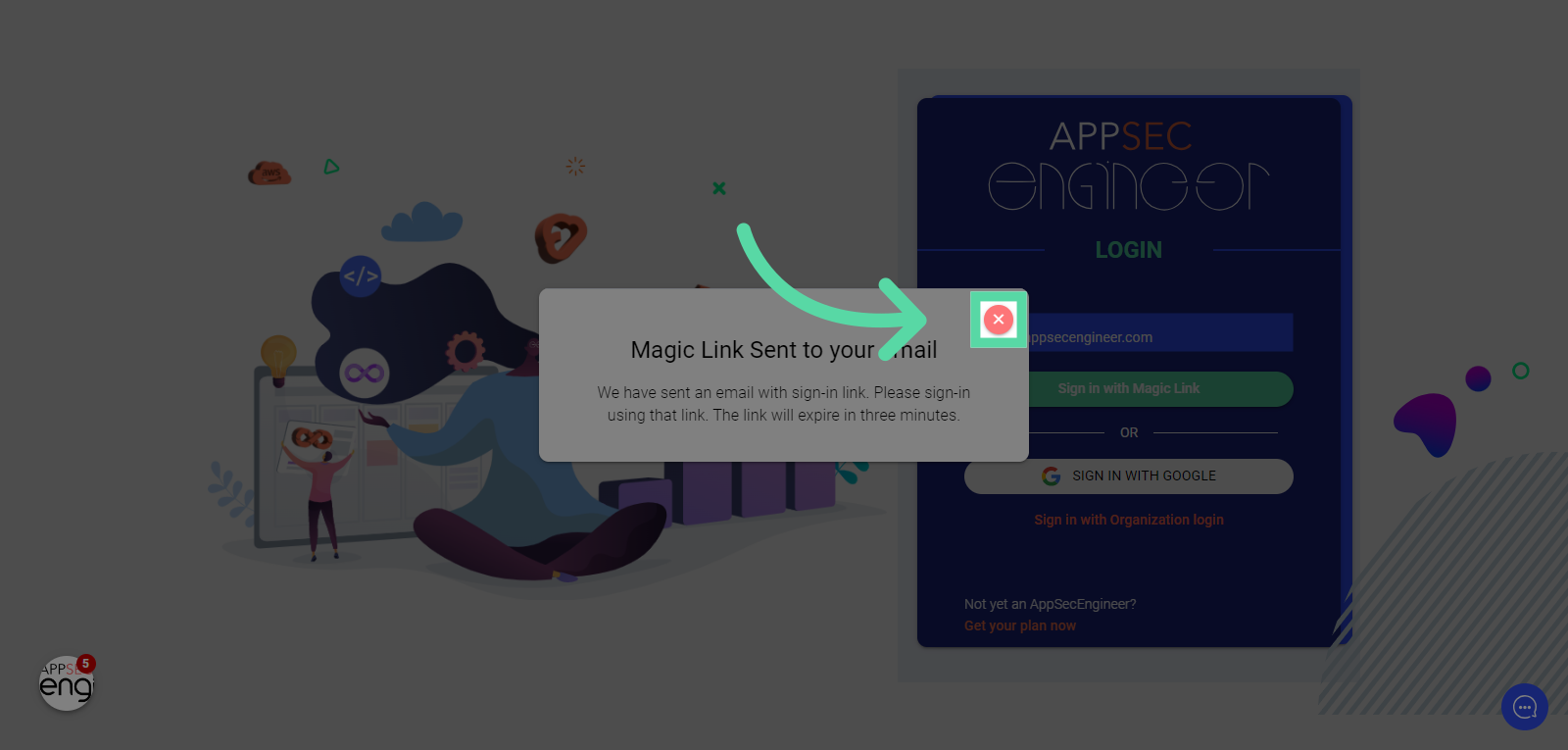 Image Featuring "Magic Link Sent to your Email" of AppSecEngineer's Learning Dashboard
 -
Switch to your registered email account, for e.g. mail.google.com.
Navigate to mail.google.com in your web browser to land in your Inbox Image Featuring screenshot of navigation to mail.google.com in web browser to land in inbox in gmail
 -
Click your AppSecEngineer login link
Locate and select the email containing your AppSecEngineer login link.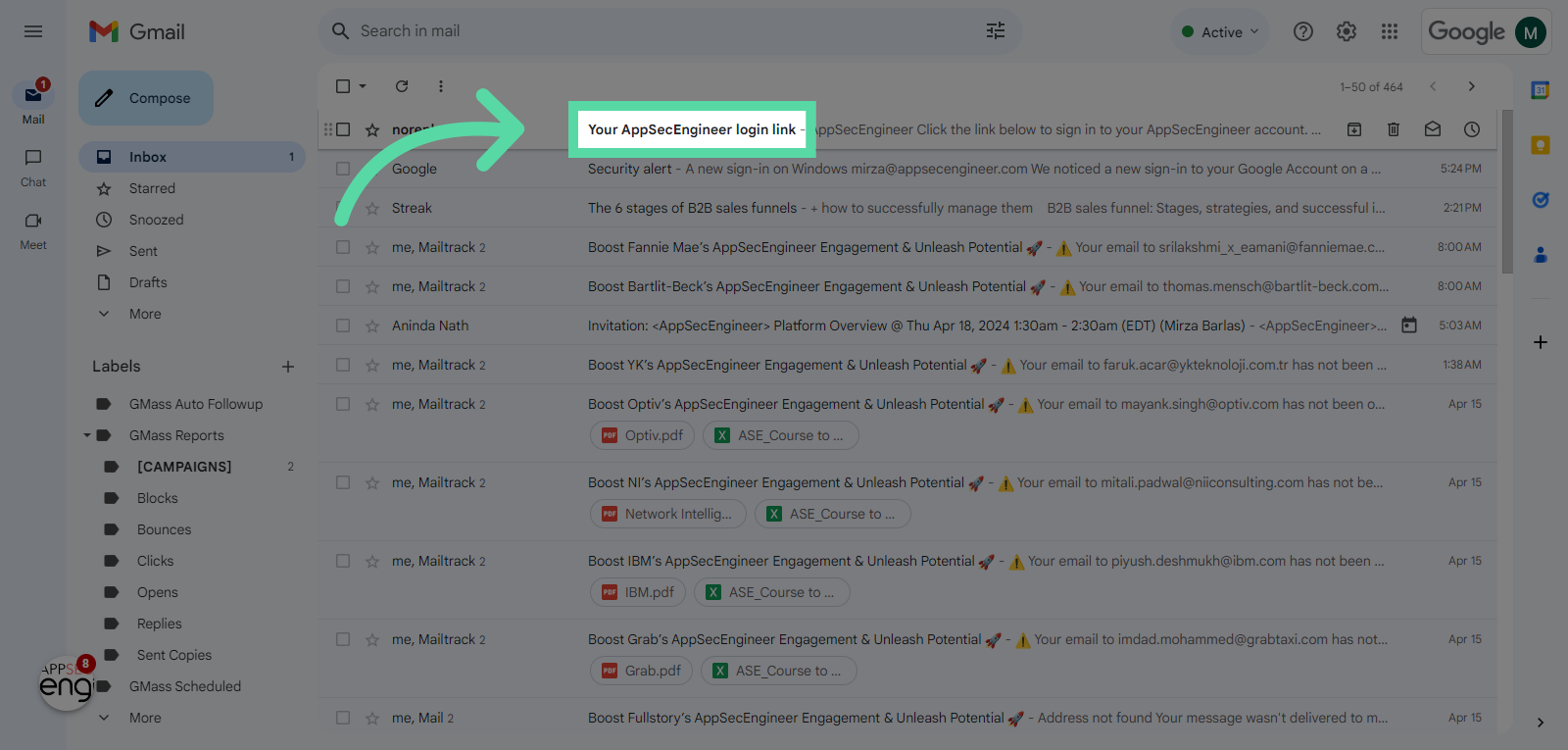 Image featuring screenshot of locate and select the email containing your AppSecEngineer login link
 -
Click "Sign in to AppSecEngineer"
Complete the sign-in process by selecting "Sign in to AppSecEngineer."
Set up your account after logging in by referring to our guide on Setting up Your Enterprise Account. Image featuring Complete the sign-in process by selecting "Sign in to AppSecEngineer." in Gmail Inbox
 -
Switch to "learning.appsecengineer.com"
Navigate to "learning.appsecengineer.com"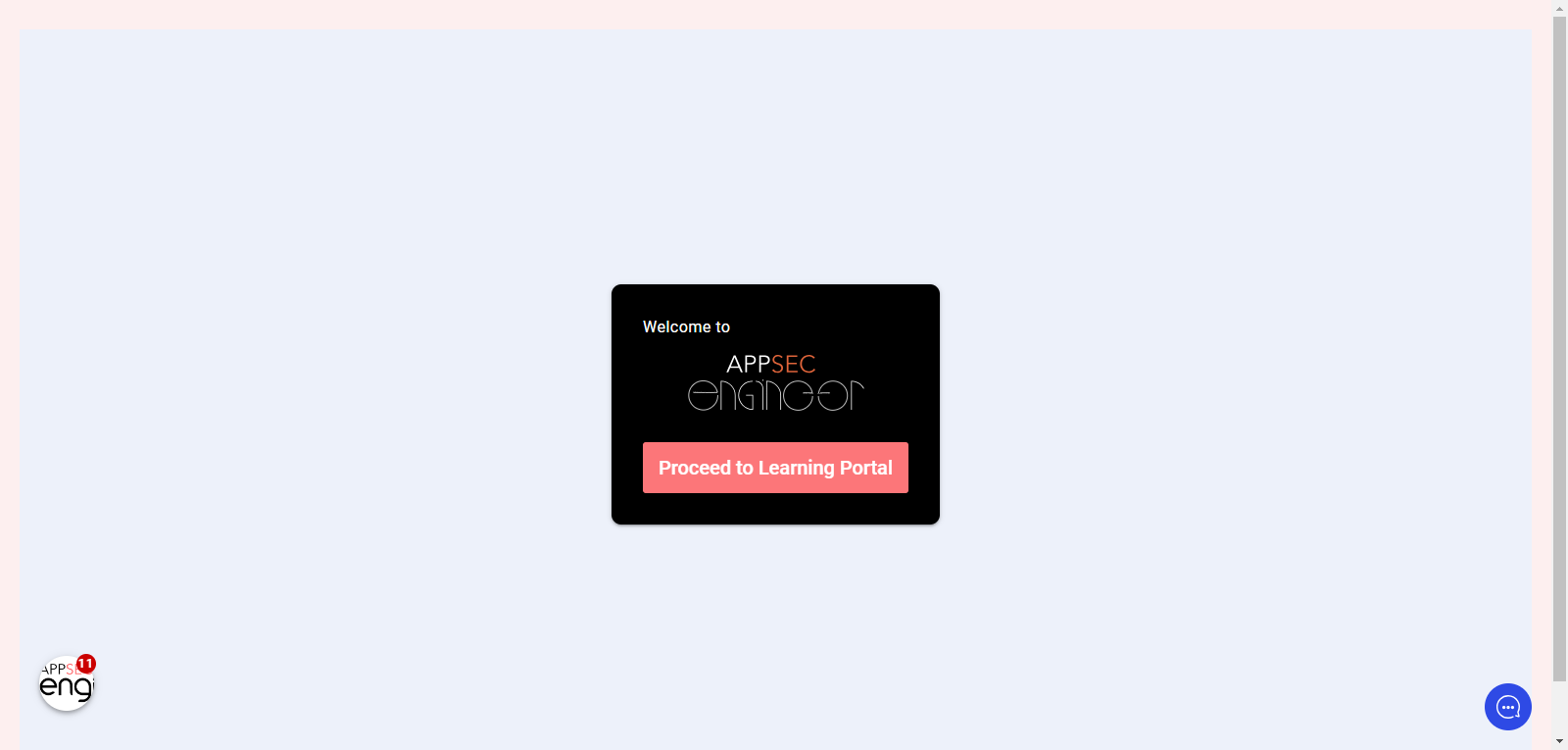 Image featuring the screenshot of navigating to learning.appsecengineer.com
 -
Click "Proceed to Learning Portal"
Finalize the signing process by clicking on "Proceed to Learning Portal."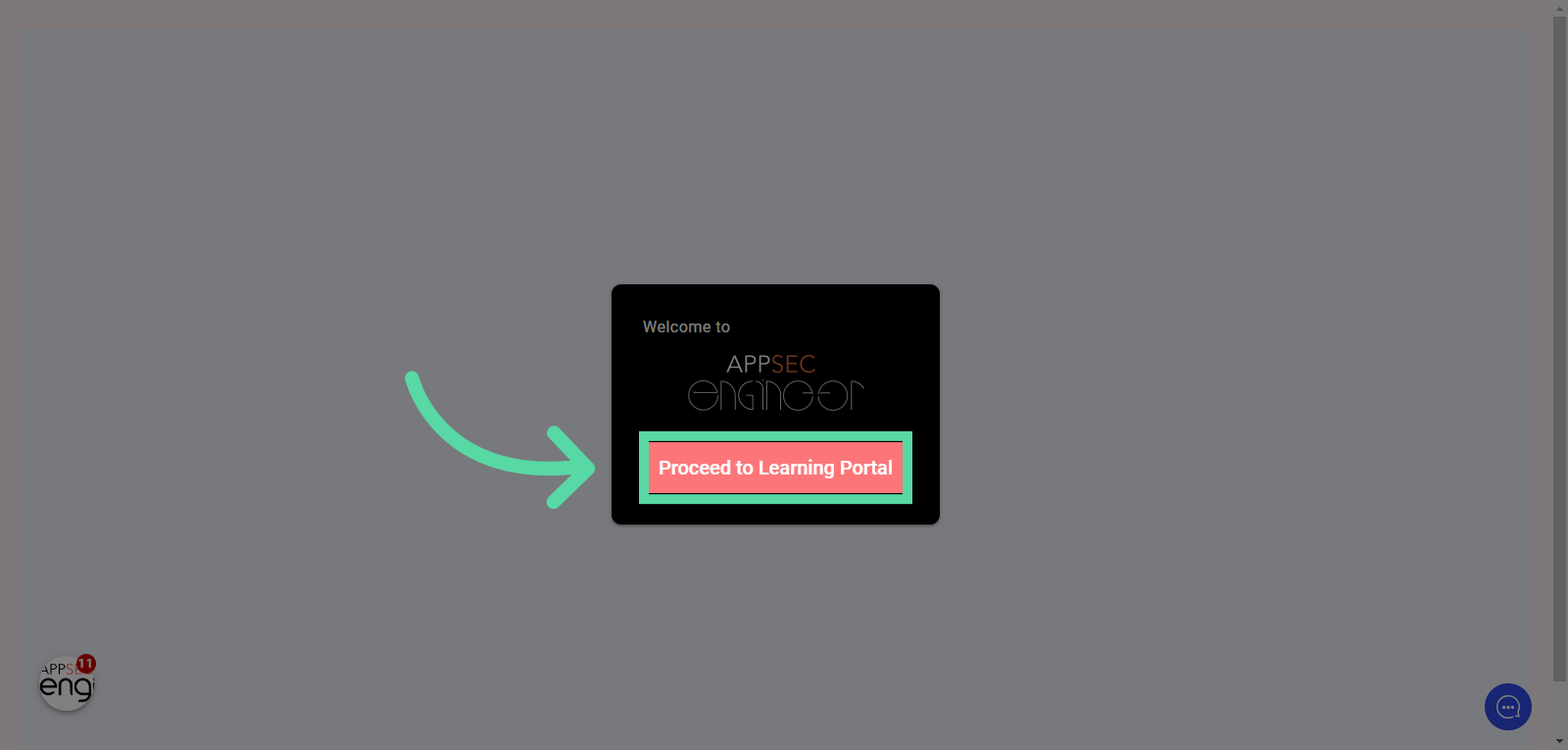 Image featuring the signing process by clicking on "proceed to learning portal" of AppSecEngineer's Leanring Dashboard
Start your journey with our Quick Start Guide for Enterprise