
Go to Course List → Select course → Click Delete → Confirm.
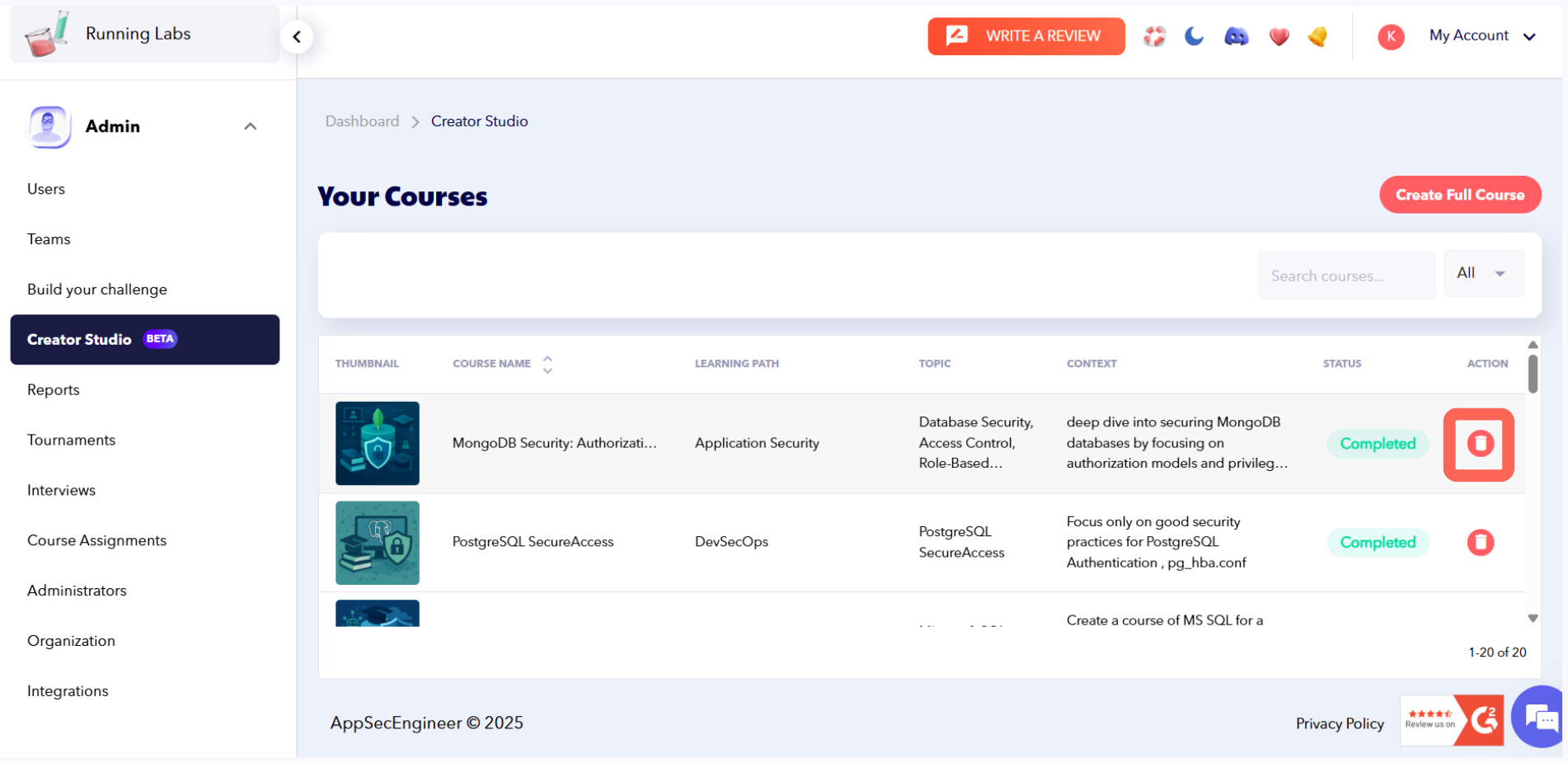 Create courses in AppSecEngineer Creator Studio with editable fields and slide options, including delete capability
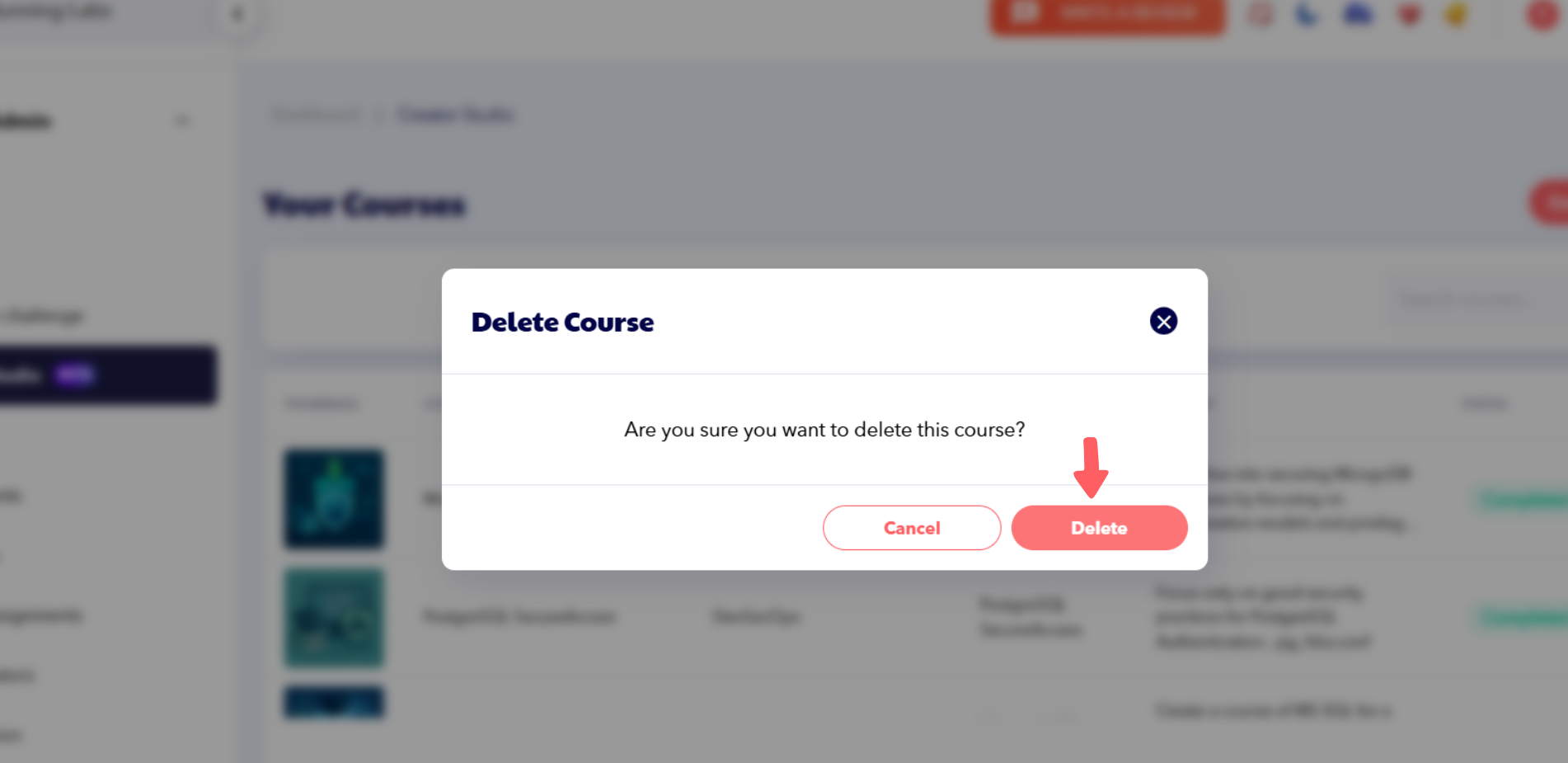 Quickly delete unwanted courses in AppSecEngineer Creator Studio using the built-in course management dashboard.

Important: Deleted courses cannot be recovered.