
The Learning Journey feature in AppSecEngineer is designed to guide you through structured, hands-on training in various cybersecurity domains. While you won’t receive a certificate for completing a Learning Journey, you will earn a badge that recognizes your accomplishment and expertise.
Steps to Earn a Badge for a Learning Journey
Step 1: Complete All Required Labs and Courses
Each Learning Journey consists of multiple labs, courses, and challenges.
-
You must finish all modules included in the Learning Journey to earn a badge.
Begin your learning journey and earn your certificate by following our guide on Taking a Learning Journey.
Step 2: Verify Completion Status
- Navigate to your Learning Journey Dashboard on AppSecEngineer.
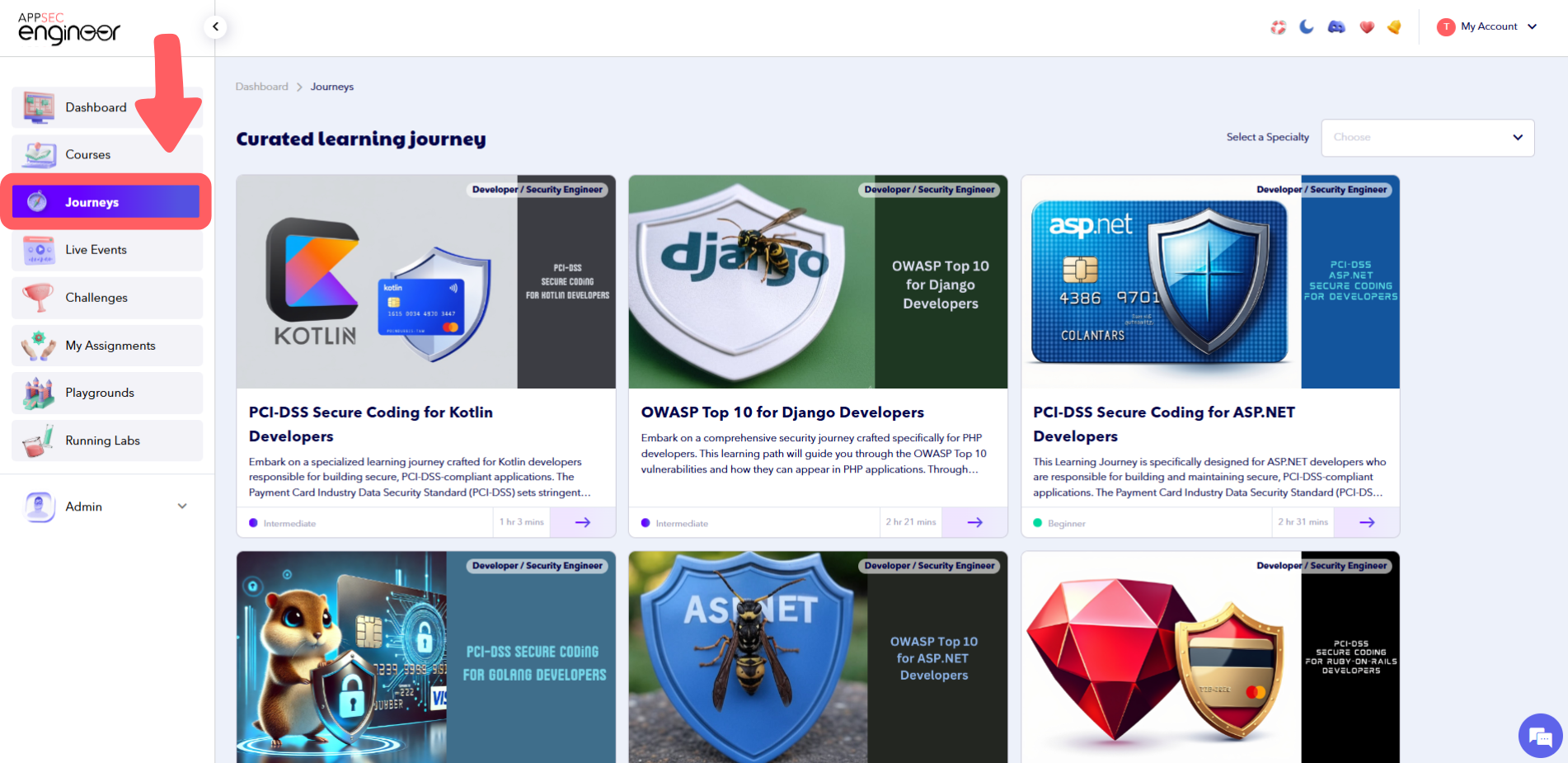 Journeys page on the AppSecEngineer Learning Platform showcasing curated learning paths designed to help users master specific AppSec skills through structured, progressive modules.
 - Check if all the required labs and courses are marked as "Completed."
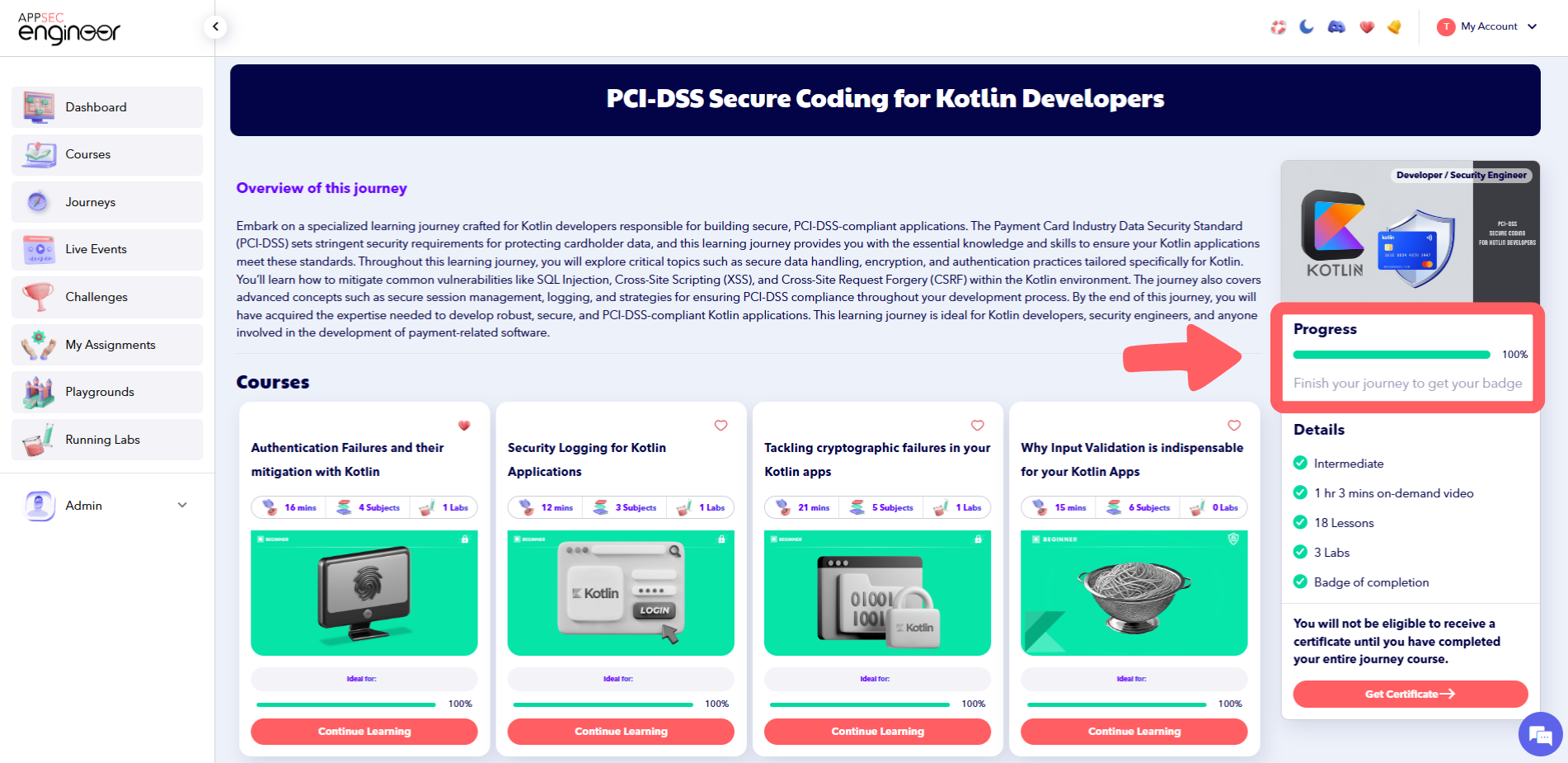 Progress page for the "PCI-DSS Secure Coding for Kotlin Developers" course on AppSecEngineer, showing the learner’s completion status, lesson tracking, and module progress indicators.
If you've been assigned a specific course as part of your Learning Journey, check out our guide on Taking a Course That Was Assigned to Me to ensure you complete it successful
Step 3: Claim Your Badge
Once the Learning Journey is completed, your badge will be available in the Achievements Section.
-
Go to Your Achievements to view and claim your badge
-
You’ll also receive an email notification when a badge is awarded for completing a Learning Journey

-
AppSecEngineer dashboard displaying the user achievements page with highlighted “Badges” tab and completed learning stats.
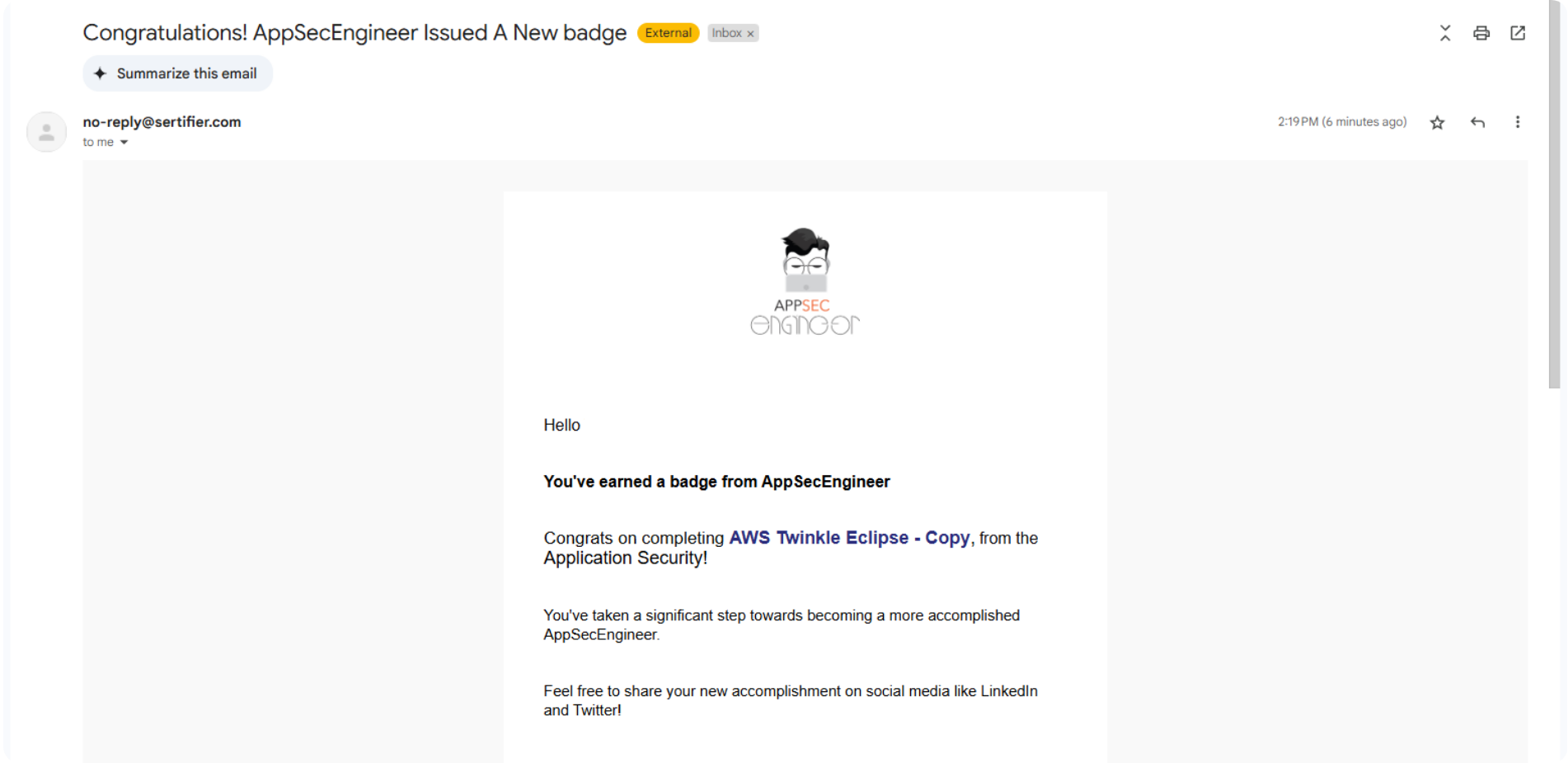 Screenshot of an email from AppSecEngineer notifying the user of earning a badge for completing 'AWS Twinkle Eclipse - Copy' in Application Security.
Note:
✅ Learning Journeys award badges, not certificates.
✅ Badges represent your skill level in specific security domains and can be used to demonstrate expertise.
- After downloading your Badge , showcase your achievement by adding it to your LinkedIn profile. This helps highlight your expertise and enhances your professional credibility in Application Security.
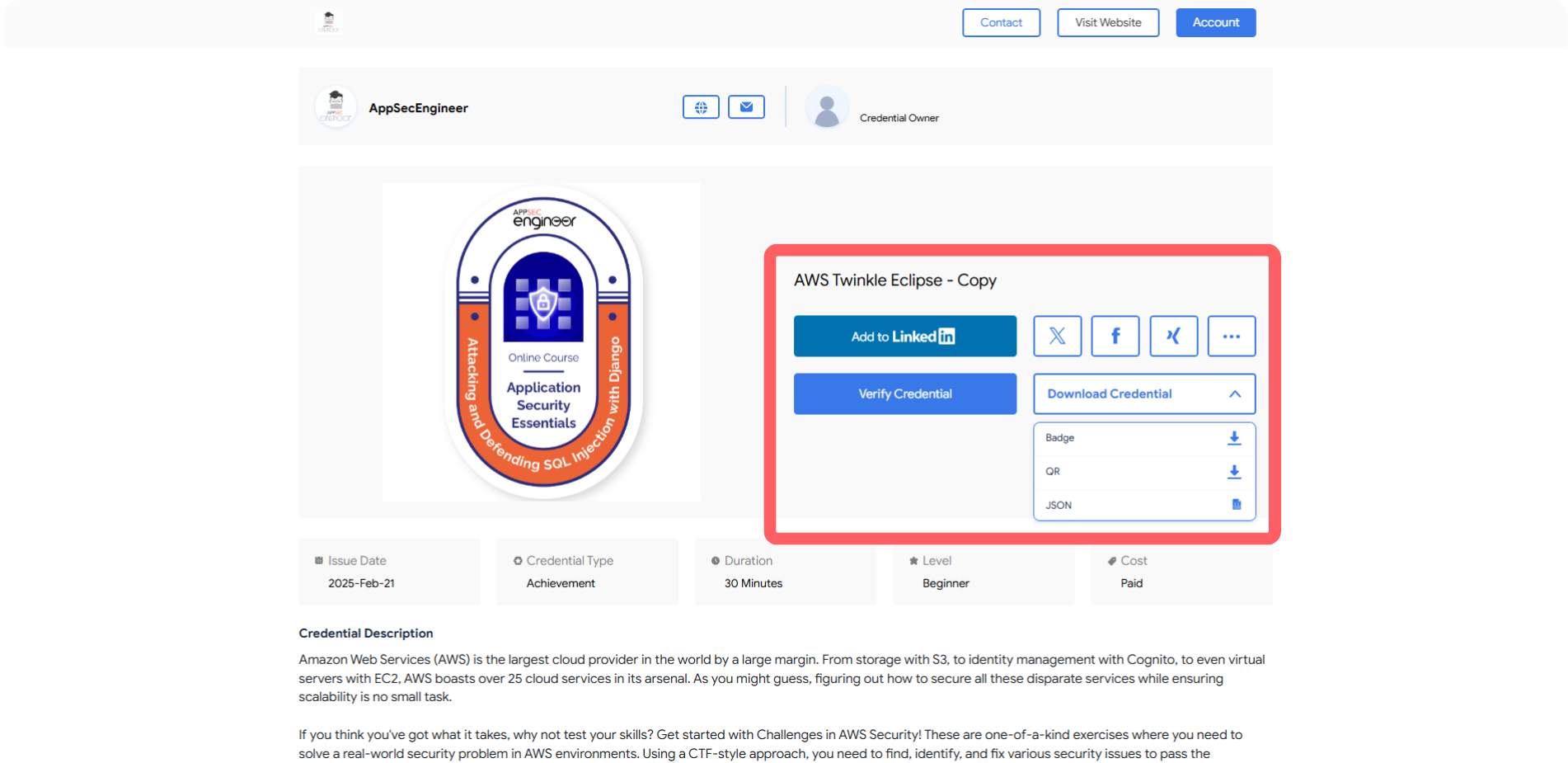 This image displays an AppSecEngineer Badge page with buttons for LinkedIn sharing, credential verification, and downloads in various formats.
Track your learning journey progress and certifications with our guide on Reports about Learning Journeys